Create a multi-voice story
Turn a script into editable lines, cast characters, preview delivery, and export a multi-voice production.
Create a multi-voice story
Open Stories for dialogue, narrated scenes, podcasts, and other scripts that need multiple voices.
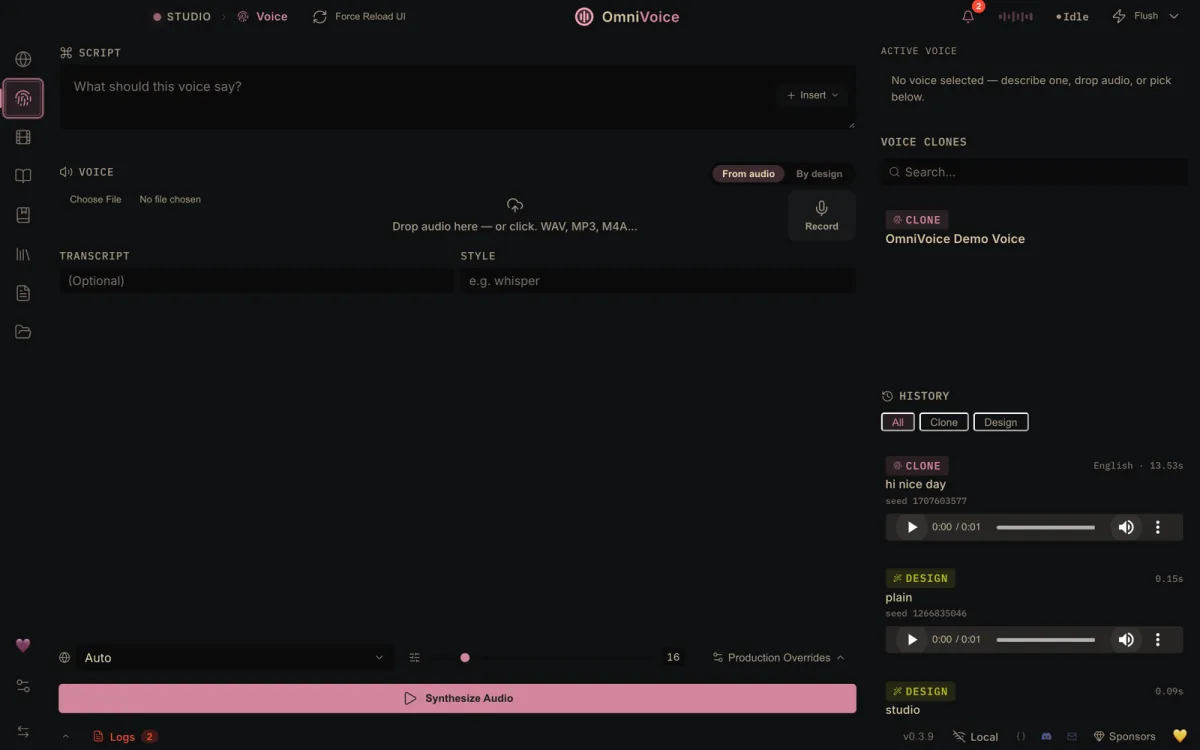
1. Build the script
Use Paste & Split for a draft, Import an existing script, or add lines manually with Add Line. Review the split before casting: keep one speaker per line and use Add Chapter for meaningful production boundaries.
2. Cast the characters
Create the character list, assign a saved voice to each role, then use Auto-cast if the script has reliable speaker labels. Correct any unassigned or mismatched lines in the editor.
3. Direct and generate
Preview representative lines for every character. Adjust tone, speed, and line text where needed, then save the project before a long render. Generate the story and listen across chapter and speaker transitions—not only isolated lines.
Export the final mix or stems when available. Stems are useful when you want to finish timing, music, or loudness in another editor.
Next: find a voice in Gallery or create a chaptered audiobook.